Output Groups
Several outputs switched together as one — one entity in Home Assistant, one target for a button.
An output group switches several outputs at once: all the lights of a room, every socket on a circuit. The group is one entity in Home Assistant, and a button action with type Output can target a group just like a single output.
Adding a group
- Open Settings → Control → Output Groups
- Click Add New
- Fill in the form and save
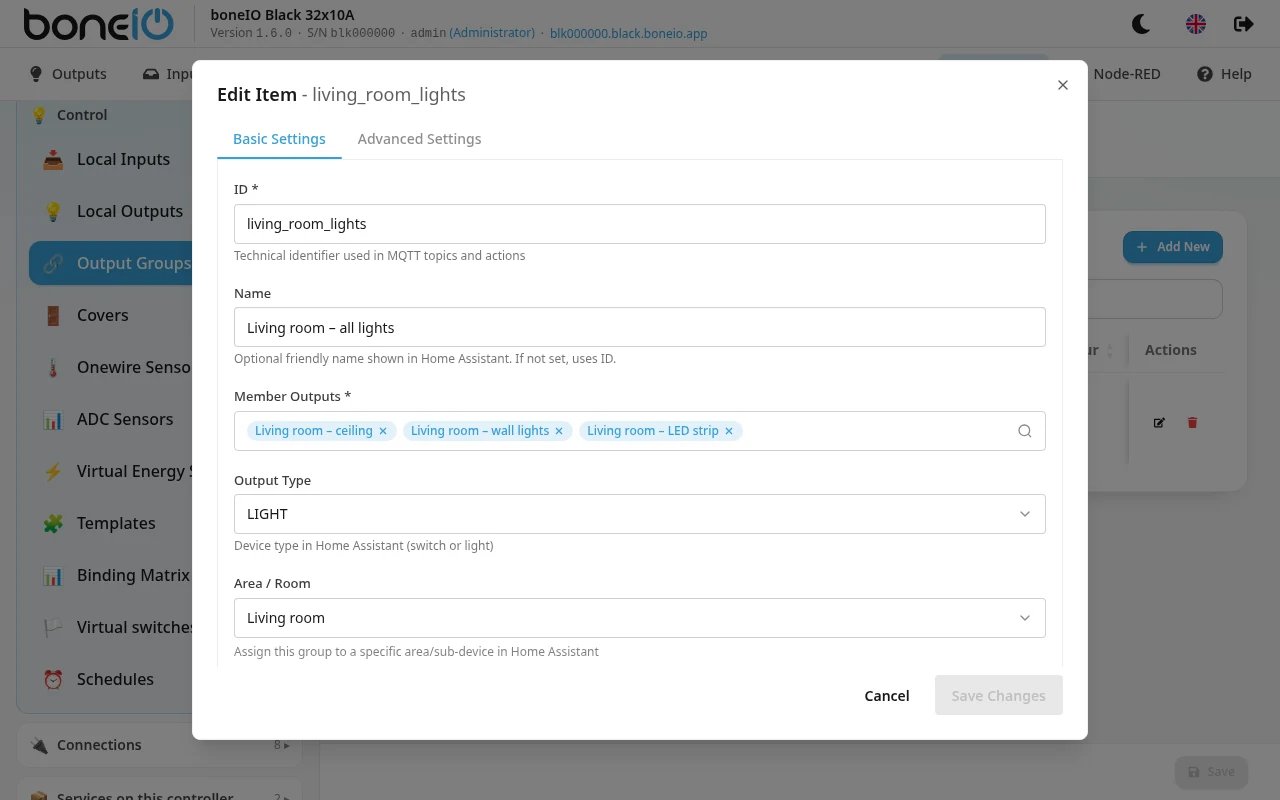
Basic Settings
| Field | What it does |
|---|---|
| ID | Required. Identifier used in MQTT topics and actions. Only lowercase letters, numbers and underscores. |
| Name | Name shown in Home Assistant. Optional — the ID is used if empty. |
| Member Outputs | The outputs in the group. At least one. |
| Output Type | SWITCH or LIGHT — how Home Assistant shows the group. |
| Area / Room | Puts the group into an area in Home Assistant. |
Advanced Settings
| Field | What it does |
|---|---|
| All On Behaviour | Off (default): the group shows on when any of its outputs is on. On: the group shows on only when all of them are. |
Outputs of type Cover cannot be members — the controller skips them and writes a warning to the log.