Settings
How the settings are organised and how to find what you need
Settings is where the controller is configured — every parameter, without editing YAML by hand.
Seven groups
From 1.6 everything is in one place. There is no separate System page any more, and the sidebar is grouped by the question you are asking rather than by where the setting happens to be stored:
| Group | What is in it |
|---|---|
| Device | boneIO (name, controller version), areas, location, hostname, time zone, OLED display, board sensors |
| Control | Local inputs, local outputs, output groups, covers, Onewire sensors, ADC sensors, virtual energy sensors, templates, binding matrix, virtual switches, schedules |
| Connections | Modbus devices, remote devices, remote inputs, remote outputs, Home Assistant dashboard, MQTT, Loxone (UDP), Modbus, CAN Bus |
| Services on this controller | The local MQTT broker, Node-RED |
| Access | Security, user accounts, Web Server |
| Maintenance | Software update, backups, system migrations, restart and shutdown, device tools, hardware errors, factory reset |
| Advanced | Logger, YAML editor, MCP23017 |
Remote Inputs appears once you have a remote device to take inputs from, and CAN Bus only on controllers that have one. MQTT and Loxone (UDP) are two separate entries, each saved on its own — a mistake in one does not stop you saving the other.
If you had the controller before 1.6: the System tab is gone. Everything
that was on it is under Maintenance, except the broker passwords, which
are under Services on this controller. Old links to /system still work —
they take you to Software update.
Why the local broker is not under Connections
Two things that sound alike are deliberately apart:
- Connections → MQTT is where boneIO connects to. If your broker is the one in Home Assistant, the username and password here are Home Assistant's.
- Services on this controller → MQTT broker (local) is the broker running on the controller, with its own accounts.
Changing a password in the second place does nothing to the first. The panel marks the account boneIO actually signs in with, and if boneIO is pointed somewhere else it says so instead of marking anything.
Finding a setting
There are about forty sections, so three things help:
- The filter at the top of the sidebar. Type part of a name — "host", "hasło", "modbus" — and matching sections are listed regardless of group.
- Groups fold. On a computer only the group you are in stays open; click a heading to open another. On a phone you get the groups as tiles, then the sections inside the one you tap.
- On a phone or tablet the section you are in is named in a bar at the bottom of the screen. Tap it to open the list of sections; swipe the list down by its header to close it. The page under it scrolls normally.
- Settings remember where you were. Opening Settings from the top menu returns you to the section you last had open, not to the beginning.
Settings also open when you use the panel inside Home Assistant, through the add-on.
The restart badge
Some sections carry a RESTART badge. Those settings are written to
config.yaml and only take effect after the application restarts; everything
else applies immediately. Hovering the badge says so.
Saving a section that needs a restart shows a banner with a restart button — you can make several changes and restart once.
Tables
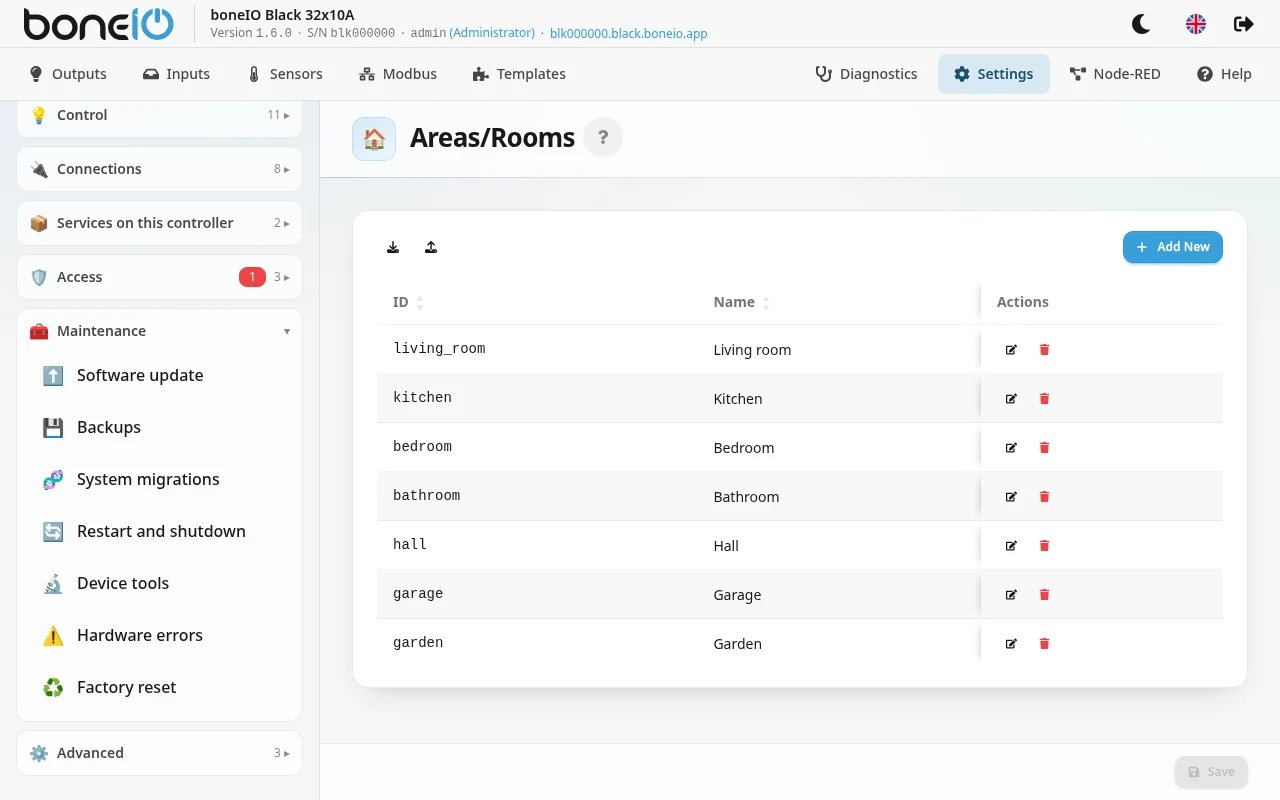
All tables in Settings have sortable columns. Clicking a column header changes the sort direction. This applies to outputs, inputs, output groups, covers, Modbus sensors, sensors, virtual energy sensors, remote devices, areas and templates.
The filter above the outputs, covers, remote outputs, templates and inputs tables matches the name, the ID and the area — type "kitchen" to see everything in the kitchen.
The buttons on each row — Edit Item, Duplicate item, Home Assistant dashboard, Delete Item — say what they do when you hover over them, in the panel's language. On a phone the same buttons are on each item's card.
Every item needs its own ID
Two outputs, output groups, covers or remote devices cannot share an ID. Saving one under an ID that another item in the same section already has is refused: Another item already has the ID … Change the ID so it is unique.
Two items with one ID would share their MQTT topics and their Home Assistant entity, and the second would silently replace the first. Watch out with covers: a cover without its own ID takes one from its relays, so a duplicated cover collides with the original until you give it a different ID or different relays.
The map on the Location page
The Location page can show an OpenStreetMap map to pick your coordinates from. It is off by default. To turn it on, go to Access → Web Server, switch on Show a map on the Location page, save, and restart the application.
What it costs: the map tiles are loaded by your browser from OpenStreetMap, so OpenStreetMap sees which area you are looking at, and the panel's security policy has to allow images from those servers.
Editing YAML directly
The YAML editor is under Advanced. It edits config.yaml with no
validation beyond a syntax check, so a mistake there can stop the controller
from starting. Everything it can do, the forms can do too.