Sensors
Readings of the controller's own sensors, 1-Wire and ADC sensors, and system load
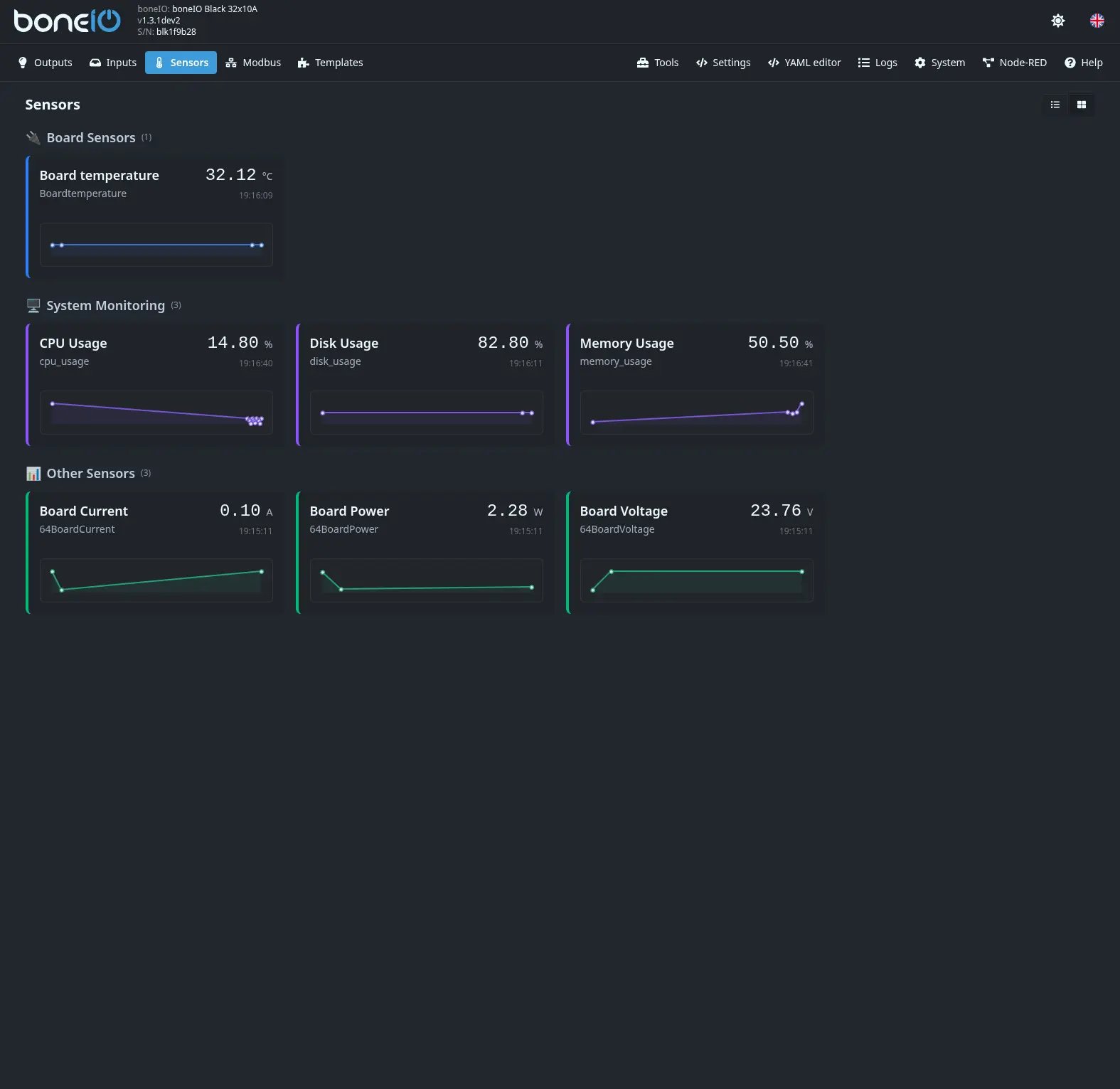
The Sensors view shows the controller's sensors, sorted into groups, each with its value, a small chart and the time of the last reading. Point at a chart (or touch it) to see the value and time of that moment. Modbus readings are not here — they have their own Modbus view.
On a phone, Sensors is in the bottom bar — or under More when you have templates or open the panel through the boneIO Dashboard add-on. See Interface navigation.
ADC Sensors
Analog inputs, if you configured any.
Board Sensors
The temperature inside the controller and the on-board power monitor. 1-Wire temperature sensors you connect show up here too.
System Monitoring
How the controller itself is doing:
- CPU Usage — how busy the processor is,
- Memory Usage — how much memory is taken, in percent,
- System Disk Usage — how full the storage is.
Other Sensors
Everything else you defined, such as virtual sensors.
Hold a sensor (on a computer, right-click it) to open it in a card with a larger chart.