Interface navigation
Description of menu and tabs in the boneIO web interface.
After connecting to the controller, you will see the web interface with a top navigation bar. Below you'll find a description of all available tabs. On a phone or tablet the same tabs move to a bar at the bottom of the screen — see On a phone or tablet.
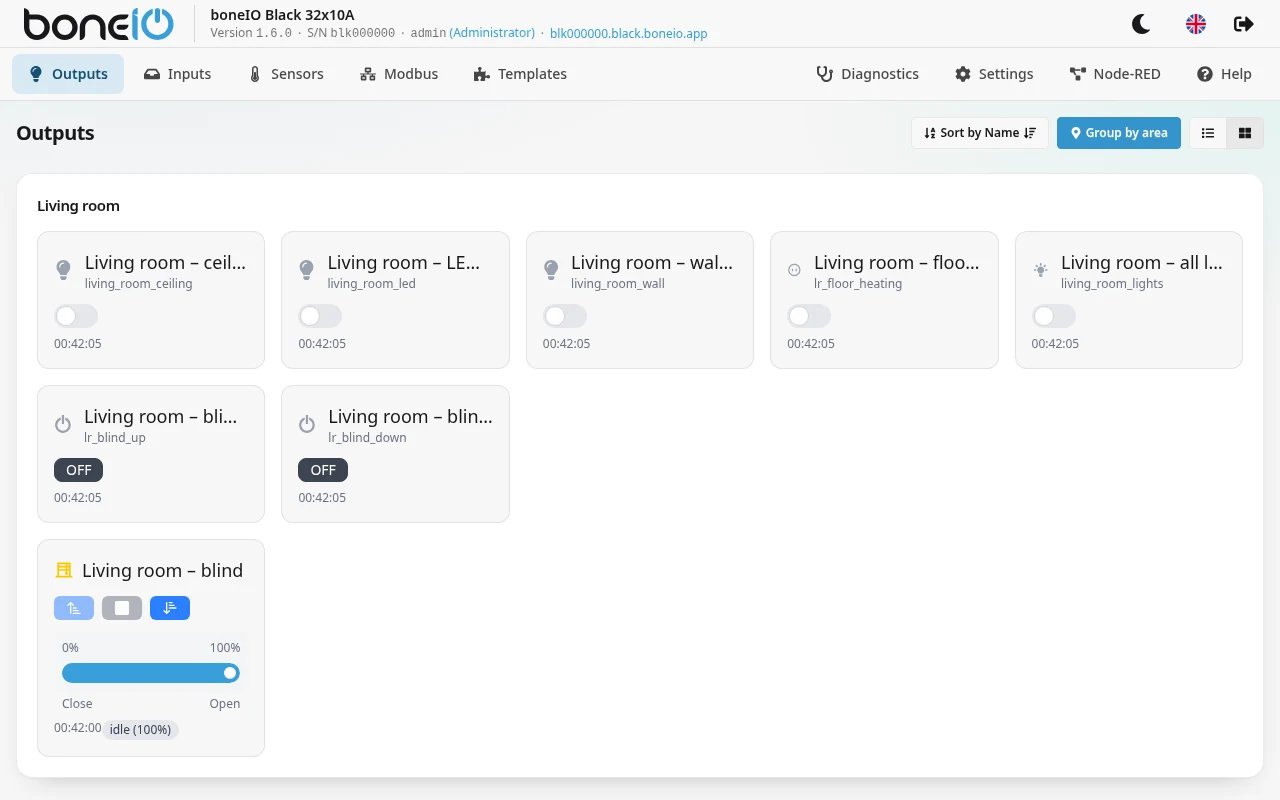
Main menu
| Tab | Description |
|---|---|
| Outputs | Control relay outputs, covers, and view relay states. |
| Inputs | View the state of digital inputs. |
| Sensors | Readings from onboard sensors: temperature, current consumption, memory usage, CPU, disk, and Dallas sensors (if connected). |
| Modbus | List of connected and configured Modbus devices. |
| Templates | Ready-made building blocks such as irrigation. |
| Diagnostics | The log, the support bundle and the bus tools (Modbus, I2C, CAN). See Diagnostics. |
| Settings | Everything you configure, in seven groups — from outputs and schedules to software update, backups and restart. See Settings. |
| Node-RED | The pre-installed visual automation tool. Shown only when Node-RED is running. |
| Help | Link to Discord community and documentation. |
Where did System, Logs and the YAML editor go? Since version 1.6 they are all inside the two tabs above: the old System tab is now Settings → Maintenance, Logs and Tools are Diagnostics, and the YAML editor is Settings → Advanced → YAML editor. Old bookmarks still work — they redirect.
A read-only account sees only the first five tabs. Diagnostics, Settings and Node-RED are for administrators — see Accounts and access.
On a phone or tablet
On a phone, a tablet or a narrow browser window the top bar shows only the controller's name, and the tabs move to a bar at the bottom, under your thumb:
| Slot | What it opens |
|---|---|
| Outputs | The outputs view |
| Inputs | The inputs view |
| Sensors or Templates | Sensors — or Templates, once you have any; Sensors then moves under More |
| Modbus | The Modbus view |
| More | Everything else: Diagnostics, Settings, Node-RED, Help, and below them the version, serial number and the account you are signed in with |
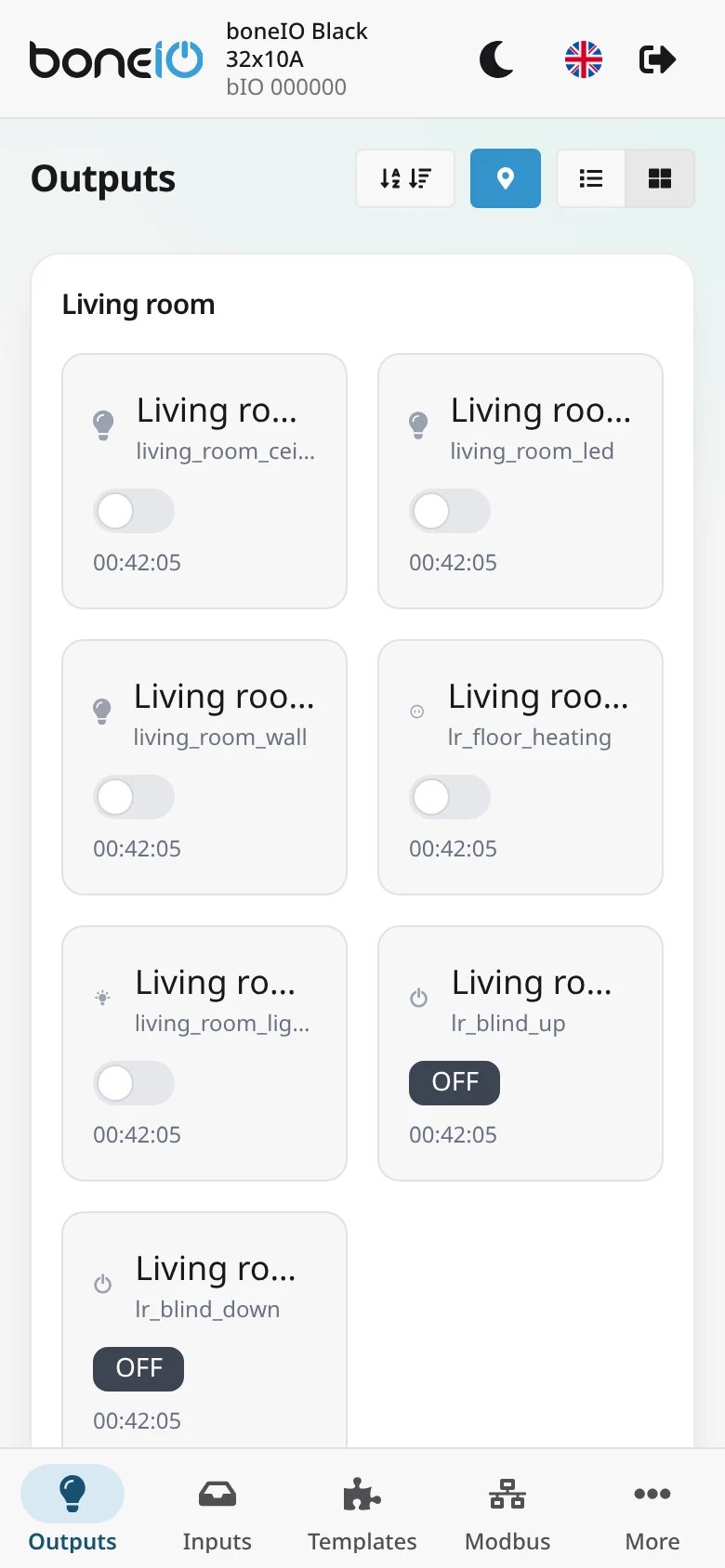
Inside the boneIO Dashboard add-on
When you open the panel through the boneIO Dashboard add-on in Home Assistant, the bottom bar gets one more slot on the left: Devices. It opens the add-on's device list. To make room, Sensors moves under More. Opened through plain Home Assistant ingress, the bar stays as above.
Language change
In the top right corner, you'll find flags to change the interface language. Available languages are Polish (PL) and English (EN).