Interface navigation
Description of menu and tabs in the boneIO web interface.
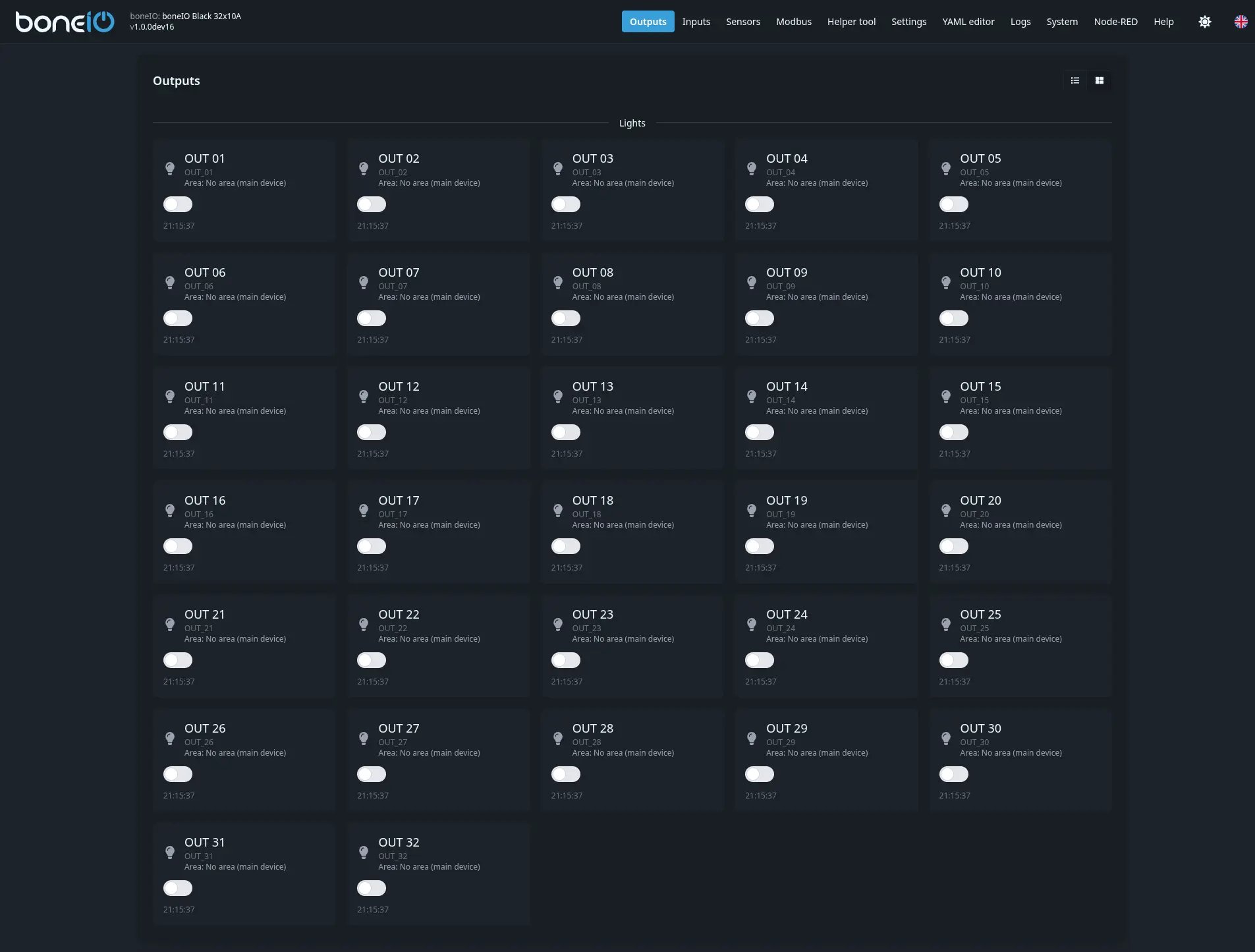
After connecting to the controller, you will see the web interface with a top navigation bar. Below you'll find a description of all available tabs.
Main menu
| Tab | Description |
|---|---|
| Outputs | Control relay outputs, covers, and view relay states. |
| Inputs | View the state of digital inputs. |
| Sensors | Readings from onboard sensors: temperature, current consumption, memory usage, CPU, disk, and Dallas sensors (if connected). |
| Modbus | List of connected and configured Modbus devices. |
| Additional Tools | Modbus Helper - tool for reading/writing Modbus registers, searching for devices, and configuring sensors (e.g., CWT). |
| Settings | Controller configuration forms - configure outputs, inputs, events, and other options here. |
| YAML Editor | Manual editing of YAML configuration files. |
| Logs | Real-time application log viewer. |
| System | System status, software updates, and system settings. |
| Node-RED | Access to pre-installed Node-RED - visual programming and automation tool. |
| Help | Link to Discord community and documentation. |
Language change
In the top right corner, you'll find flags to change the interface language. Available languages are Polish (PL) and English (EN).