Edit configuration
How to use configuration forms in the Settings tab.
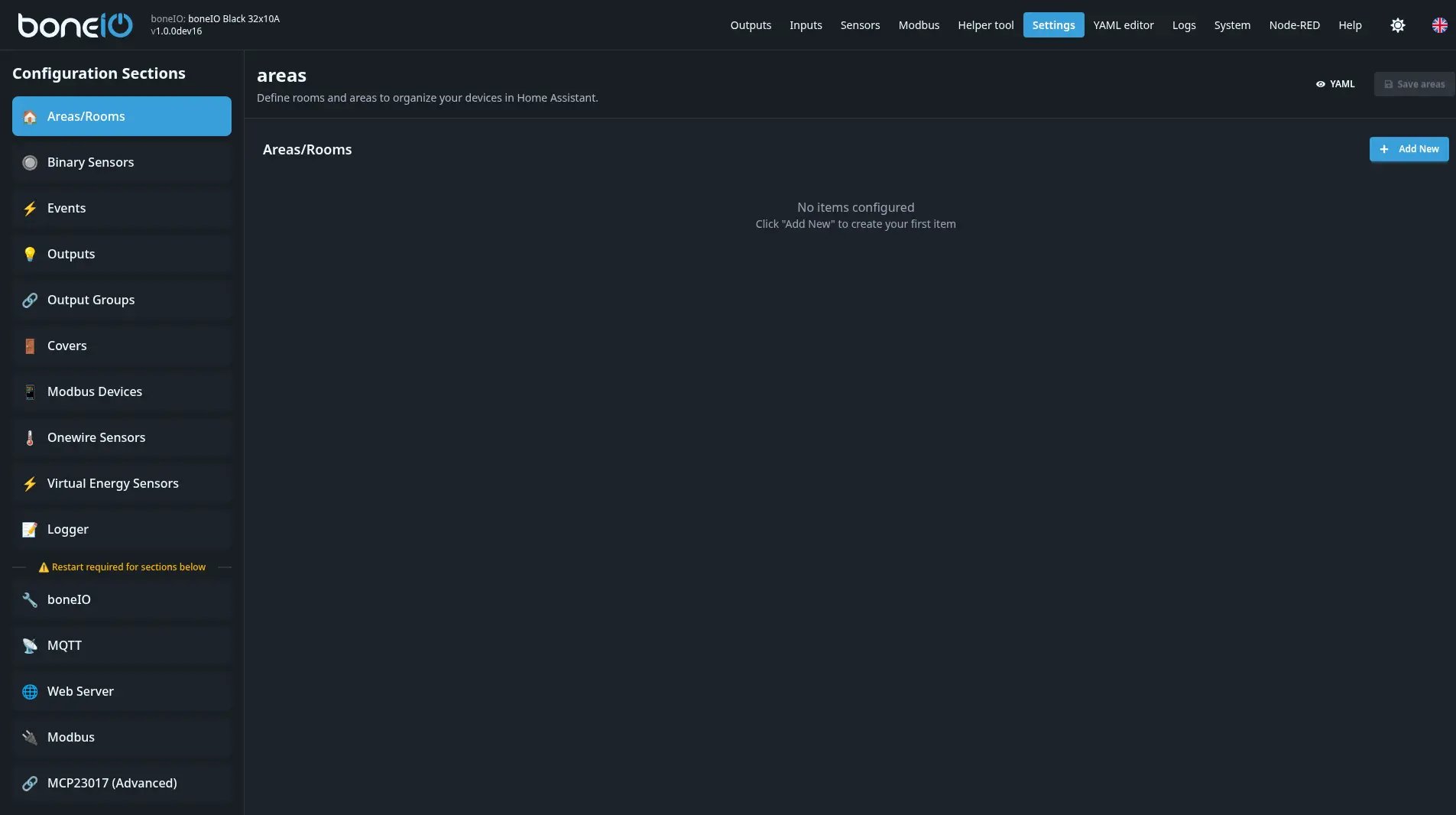
The Settings tab contains forms for configuring all controller functions. Here you can configure outputs, inputs, areas, events, and many other options.
Important configuration rules
Saving changes
Each edit in a given section requires saving and waiting for reload or restart of the application before you start working on the next section.
After saving changes:
- Click the Save button in the given section
- Wait for save confirmation
- Wait for the application to reload or restart
- Only then proceed to edit the next section
Export and Import
Each configuration section has Export and Import buttons:
- Export - saves the configuration of the given section to a YAML file
- Import - loads the configuration from a YAML file
This allows you to:
- Manually copy configuration sections
- Transfer created configurations between devices
- Create backups of individual sections
Configuration sections
In the Settings tab you will find the following sections:
- Areas - defining areas compatible with Home Assistant
- Outputs - relay output configuration
- Covers - cover and blind configuration
- Inputs - digital input configuration
- Events - event and automation definitions
- Binary Sensors - binary sensor configuration
- Actions - action definitions
- And more...